Flow Field
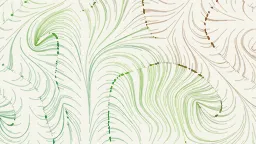
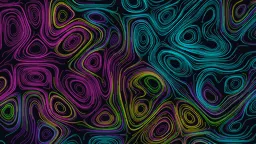
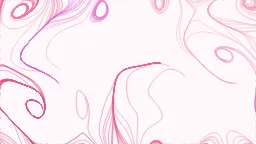
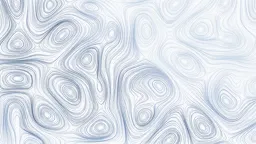
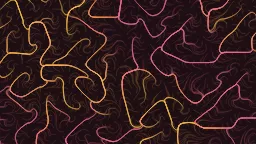
Particles drifting through a noise vector field, traced into flowing lines.
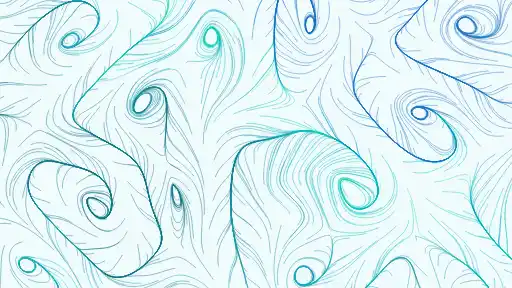
A flow field gives every point on the canvas a direction, like wind on a weather map. Drop particles in and let them follow the arrows, and their trails become long, flowing lines.
How the maths works
- Euler method: one step
- pₖ₊₁ = pₖ + h · v(pₖ)
- Velocity field (curl 1, stream function ψ)
- v = (∂ψ/∂y, −∂ψ/∂x)ψ = noise(s · p)
Each line starts at a point p₀ and takes a fixed number of steps of length h in the direction the field points: pₖ₊₁ = pₖ + h · v(pₖ). This is Euler’s method, the simplest way to follow a differential equation numerically.
The directions come from simplex noise at scale s. With curl at 0, the noise value is read directly as an angle, so lines may bunch up where the angles converge. With curl at 1, the noise is treated as a stream function ψ and the velocity is its rotated gradient, which has zero divergence: lines flow side by side like water and never pile up.
Colours are picked from a second, slower noise at each line’s starting point, so neighboring lines share a hue and the canvas breaks into large colour regions.
Parameters
- Line density
- How many lines a 16:9 canvas gets. Other shapes scale the count by area, so density looks the same at any ratio.
- 50 to 3000
- Steps
- How many steps each line takes. More steps make longer lines.
- 10 to 400
- Step length
- Distance covered in each step, relative to the short side.
- 0.001 to 0.02
- Noise scale
- How many noise cycles fit across the short side. Low values give broad, lazy currents; high values give tight eddies.
- 0.2 to 6
- Curl
- Blends between an angle field (0) and a divergence-free curl field (1) where lines run parallel and never merge.
- Ratio, 0 to 1
- Line width
- Line width, relative to the short side of the canvas.
- 0.0005 to 0.01
- Start points
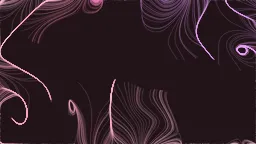
- Where lines start: Grid spaces them evenly, Scattered uses Poisson-disk sampling for an even but irregular spread, Edges starts them on the border so they stream inward.
- Grid · Scattered · Edges
- Blur
- Overall blur, relative to the canvas short side. 0 means no blur; larger values soften the lines into a glow.
- 0 to 0.04
Examples
Each example opens in the studio with these settings.



Using it as a background
For a calm background, use a low noise scale, high curl and fine lines. For drama, raise the line density and let the colours form bold regions.
Edges leaves the middle lighter than the border, which frames a title nicely in the centre of a slide.