Escape-time fractals
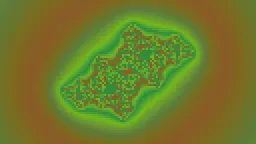
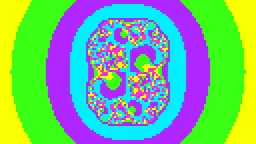
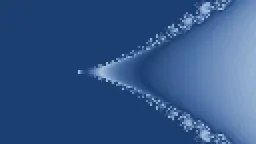
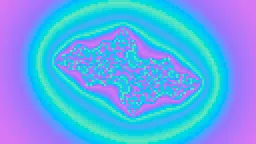
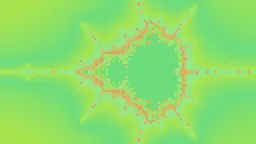
The Mandelbrot set, Julia sets and the Burning Ship, rendered as a colour mosaic of how fast each point escapes to infinity.
Open Escape-time fractals in Studio
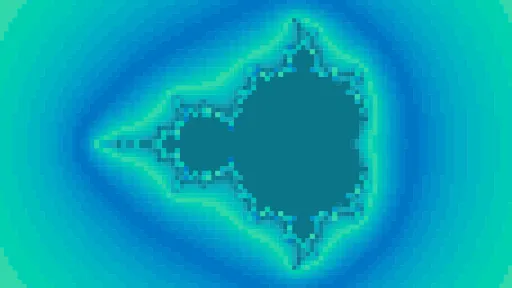
Pick a point in the complex plane and apply z → z² + c over and over, watching whether the numbers grow until they escape to infinity. Some points never escape and some escape fast. Colouring by how fast they escape draws the endlessly detailed edge of the Mandelbrot set.
How the maths works
- Mandelbrot set: start at 0; each c gives one point’s colour
- zₙ₊₁ = zₙ² + c, z₀ = 0
- Julia set: fixed c, start at each canvas point p
- zₙ₊₁ = zₙ² + c, z₀ = p
- Burning Ship: absolute values before squaring
- zₙ₊₁ = (|Re zₙ| + i · |Im zₙ|)² + c
- Smooth escape count (for continuous colour)
- ν = n + 1 − log₂(log |zₙ|)
The Mandelbrot set starts every point at z₀ = 0 and asks whether c escapes. Once |z| passes 2 it is certain to escape to infinity, so counting the steps until it passes 2 tells how fast each point escapes.
A Julia set turns this around: c is fixed and the starting point z₀ is each point of the canvas. Every c has its own Julia set; it is all one piece when c is inside the Mandelbrot set and shatters into dust when c is outside. The Burning Ship takes the absolute values of the real and imaginary parts before squaring, which gives the shape of a burning ship.
Colouring by whole step counts gives sharp rings of colour. The smooth escape count ν also uses the final size of |z|, so the colours blend continuously. However far you zoom into the edge, there is new detail: the mark of a fractal.
Parameters
- Fractal
- Which fractal to draw: the Mandelbrot set, a Julia set, or the Burning Ship.
- Mandelbrot · Julia · Burning Ship
- Iterations
- The most steps tried for each point. More steps sharpen the edge and take longer.
- 20 to 250
- Cells per short edge
- How many cells across the short side. The fractal is drawn as a mosaic; more cells are finer.
- 24 to 120
- Zoom span
- How much of the complex plane the short side covers. Smaller values zoom in.
- 0.02 to 6
- Centre (real)
- Real part of the centre of the view (left and right).
- -2.5 to 2.5
- Centre (imaginary)
- Imaginary part of the centre of the view (up and down).
- -2.5 to 2.5
- Julia c (real)
- Real part of the Julia constant c.
- -1.5 to 1.5
- Julia c (imaginary)
- Imaginary part of the Julia constant c. Julia sets are most intricate when c lies near the edge of the Mandelbrot set.
- -1.5 to 1.5
- Colour cycles
- How many times the palette repeats along the escape count. More cycles give tighter bands.
- 1 to 6
Examples
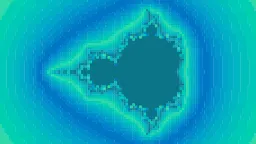
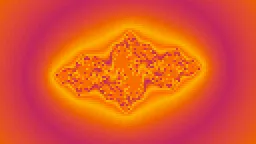
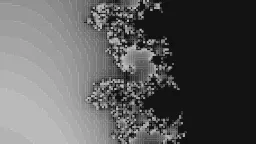
Each example opens in the studio with these settings.



Using it as a background
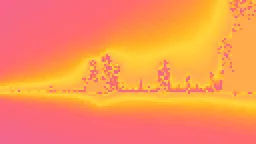
Make the span small and move the centre to the edge of the set (for example −0.75 + 0.1i) to see the detail of Seahorse Valley.
A lower resolution gives a pixel-art look; 1 to 2 colour cycles make the calmest backgrounds.