L-system
Trees, ferns and space-filling curves grown from simple rewriting rules, tiled across the canvas.
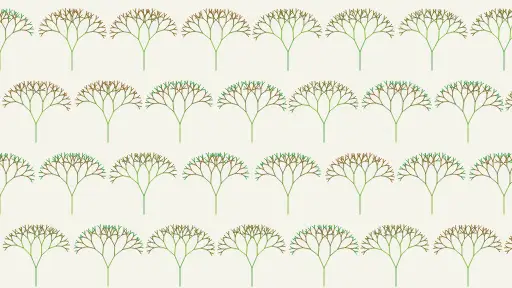
An L-system grows a picture from a few rewriting rules. Start with a short word, replace every letter by a longer string again and again, then read the result as drawing instructions. A one-line rule is enough to produce a tree, a fern or a snowflake.
How the maths works
- Binary tree rule (turn 25°)
- X → F[+X][−X]
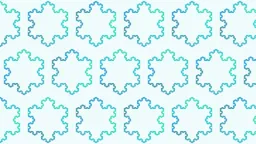
- Koch snowflake rule (turn 60°)
- F → F−F++F−F
- Koch length after n iterations
- Lₙ = (4/3)ⁿ · L₀
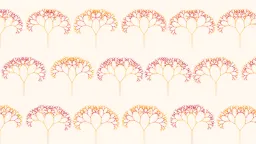
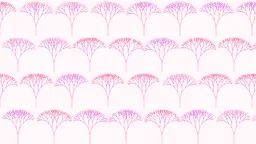
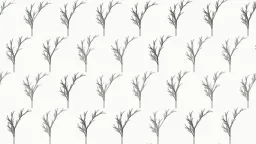
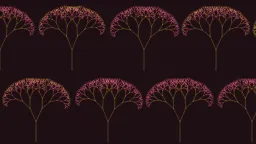
Letters are drawing commands for a turtle: F moves forward and draws a line, + and − turn left and right by a fixed angle, and [ ] save and restore the position so a branch can grow and then return to the trunk. The binary tree is the rule X → F[+X][−X] with a 25° turn: every tip splits into a left and a right branch.
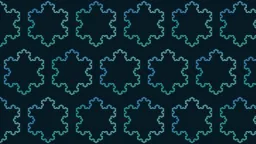
Every iteration rewrites all letters at once, so the word grows exponentially. The Koch snowflake rule F → F−F++F−F with 60° turns replaces each segment by four segments a third as long, so after n iterations the length is (4/3)ⁿ times the original and the edge never stops getting longer. Its dimension is log 4 / log 3 ≈ 1.26, between a line and a plane.
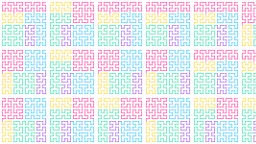
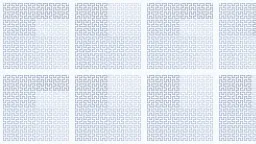
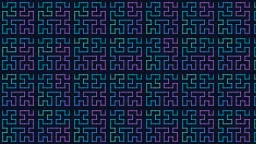
The Hilbert curve is a single line that visits every cell of a grid without crossing itself; each iteration folds the previous curve into four smaller copies. Trees and ferns are self-similar too: a branch looks like a small copy of the whole plant. The seed only changes the random wobble in the angles, never the structure.
Parameters
- System
- Which rule set to draw: a binary tree, a fern, the Hilbert space-filling curve, or the Koch snowflake.
- Binary tree · Fern · Hilbert curve · Koch snowflake
- Iterations
- How many times the rules are applied. More iterations give finer detail but also more lines; if a figure would exceed the line budget, the editor lowers the iteration count automatically.
- 1 to 9
- Figure density
- How many figures fit along the short edge of the canvas. Figure size depends only on this, so 9:16 simply shows more rows of the same figures.
- 1 to 10
- Angle offset
- Adds to the turn angle of the rule, in degrees. Small changes bend a tree into a windswept one; large ones twist the figure into something new.
- -30 to 30
- Randomness
- How much each turn is randomly varied in the branching systems (tree and fern). 0 draws every figure identically.
- 0 to 1
- Branch shrink
- For the binary tree: how much shorter each branch is than the one it grows from. Lower values give a compact bush, higher values a tall tree.
- 0.55 to 0.9
- Figure size
- Scales every figure inside its cell. Values above 1 let neighbours overlap.
- 0.5 to 1.5
- Line width
- Line width, relative to the short side of the canvas.
- 0.0005 to 0.01
- Stagger rows
- Shifts every other row by half a cell so the figures sit like bricks instead of a strict grid.
- On or off
Examples
Each example opens in the studio with these settings.
Using it as a background
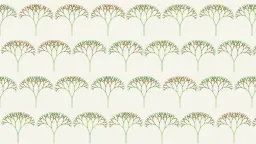
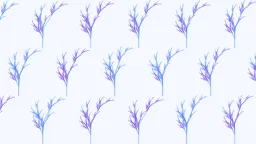
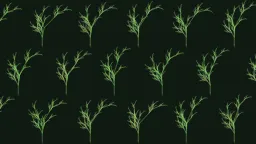
Fern or tree figures in two or three muted shades of green or ink look like a botanical plate, and make a calm backdrop for slides with a lot of text.
The Hilbert and Koch systems are drawn as one continuous line whose colour shifts along its length, which works well as a bold cover or closing background.