Circle Packing
Circles of many sizes packed tightly together, either at random or as an Apollonian gasket.
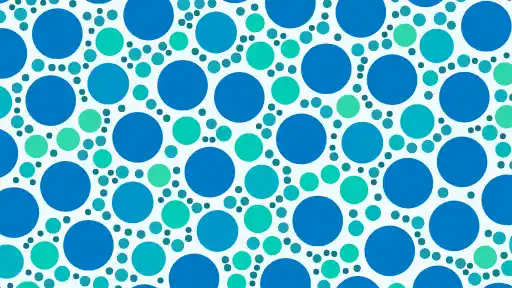
Circle packing fills a region with non-overlapping circles of many sizes, big ones first and smaller ones squeezed into the gaps. It looks like bubbles, pebbles or a stained-glass window, and one mode follows a classic result by Apollonius.
How the maths works
- Curvature of a circle
- k = 1 / r
- Descartes’ circle theorem
- (k₁ + k₂ + k₃ + k₄)² = 2 (k₁² + k₂² + k₃² + k₄²)
- Curvature of the fourth tangent circle
- k₄ = k₁ + k₂ + k₃ ± 2√(k₁k₂ + k₂k₃ + k₃k₁)
In random mode the editor goes from the largest radius to the smallest. At each size it throws many random darts at the canvas and keeps a circle only if it does not overlap any circle already placed. Large circles land easily at first; later only small gaps remain, so the picture gets denser with each round.
Apollonian mode starts from circles that touch each other and fills the gap between every three mutually tangent circles with a new circle that touches all three. Repeating this forever gives the Apollonian gasket, a fractal with infinitely many circles and no area left over in the limit.
Descartes’ circle theorem finds the new circle exactly. Write each circle by its curvature k = 1 / r; for four mutually tangent circles the curvatures satisfy (k₁ + k₂ + k₃ + k₄)² = 2(k₁² + k₂² + k₃² + k₄²). Given three circles, this gives the fourth curvature as k₁ + k₂ + k₃ ± 2√(k₁k₂ + k₂k₃ + k₃k₁), one sign for each of the two circles that fit in the gap.
Parameters
- Packing
- Random throws circles of mixed sizes anywhere they fit; Apollonian gasket fills a honeycomb of large circles with the nested tangent circles of the Apollonian construction.
- Random · Apollonian gasket
- Smallest radius
- Radius of the smallest circle, relative to the short side of the canvas. Smaller values give a finer, denser texture and take longer to draw.
- 0.004 to 0.05
- Largest radius
- Radius of the largest circle, relative to the short side of the canvas. In Apollonian mode it is the size of the big circles in the honeycomb.
- 0.04 to 0.3
- Gap
- Shrinks every circle by this fraction of its radius, leaving a gap of background colour between neighbours.
- 0 to 0.5
- Fill effort
- How hard the random mode tries to pack circles. Higher values place more circles and take longer; it has no effect in Apollonian mode.
- 0.2 to 1
- Style
- Solid fills each circle, Rings draws only the outline, and Solid + rings fills with a light tint and adds an outline.
- Solid · Rings · Solid + rings
- Colour by
- Size colours by radius, so big circles take one end of the palette and tiny ones the other; Random colours each circle independently; Distance from centre runs the palette outward from the middle.
- Size · Random · Distance from centre
- Line width
- Width of the outline for the Rings and Solid + rings styles, relative to the short side of the canvas.
- 0.0005 to 0.01
Examples
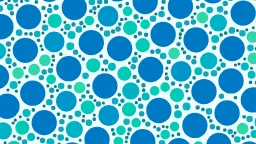
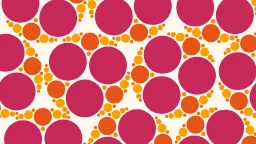
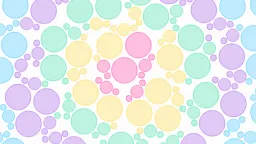
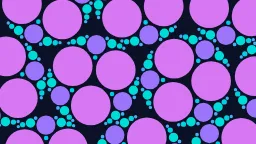
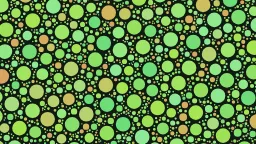
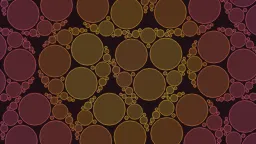
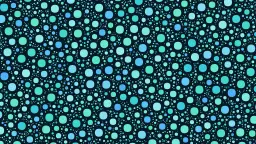
Each example opens in the studio with these settings.

Using it as a background
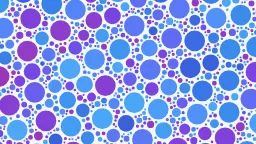
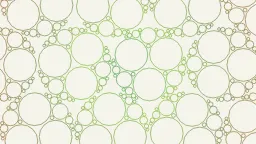
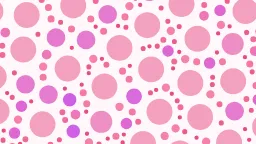
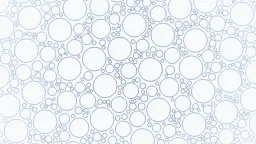
Solid circles with a small gap and size colouring look like a bubble field; Rings in a single colour make a clean, technical background that stays out of the way of text.
Circle size is measured against the short side, so the same settings give the same bubbles on slides, phone wallpapers and vertical video; only the number of circles changes with the aspect ratio.