Cellular Automaton
One-dimensional cellular automata (Wolfram rules 0–255): each row is a generation, evolving from top to bottom.
Open Cellular Automaton in Studio
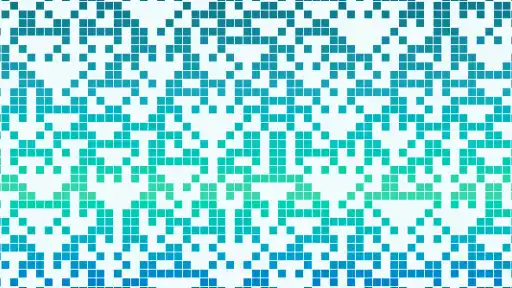
A one-dimensional cellular automaton is a row of cells, each on or off, that is rewritten again and again by one fixed rule. Stack the rows from top to bottom and the history of the rule becomes a picture: sometimes tidy triangles, sometimes something that looks like noise.
How the maths works
- The next cell from its neighborhood
- aᵢ′ = bit(rule, 4·aᵢ₋₁ + 2·aᵢ + aᵢ₊₁)
- How many neighborhoods and rules there are
- 2³ = 8 neighborhoods, 2⁸ = 256 rules
- Rule 90 in one line
- Rule 90: aᵢ′ = aᵢ₋₁ XOR aᵢ₊₁
Each new cell depends only on itself and its two neighbours in the row above. Three cells can be on or off in 2³ = 8 ways, and a rule says whether each of those 8 neighborhoods gives an on or an off cell. That is 2⁸ = 256 possible rules, and Stephen Wolfram numbered them 0 to 255 by reading the 8 answers as a binary number.
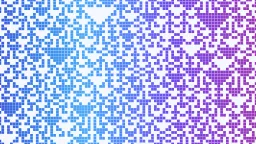
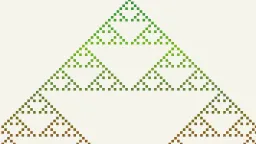
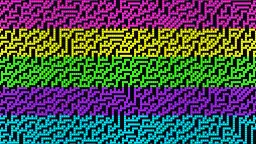
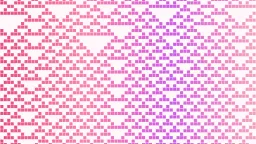
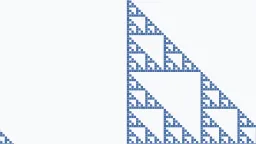
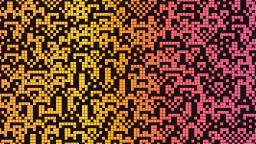
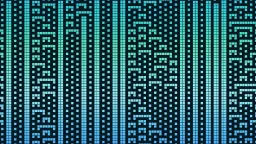
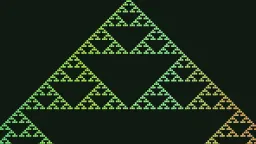
Rule 90 says a cell is on exactly when one of its two neighbours was on (an XOR). Started from a single cell it draws the Sierpinski triangle, the same shape you get from the odd numbers in Pascal's triangle. Rule 30 looks random even though it is completely fixed, and Rule 110 produces structures that move and collide.
The rule is a pattern you can state in one line, which is what writing a rule means in a pattern lesson: from one row you can predict every later row. The editor wraps the left and right edges around, so the row is really a circle of cells, and the picture is the rule applied once per row down the canvas.
Parameters
- Rule (0–255)
- The rule number from 0 to 255. Try 90 for triangles, 30 for noise, 110 for moving structures, and 0 or 255 for empty or full.
- 0 to 255
- Start
- Random row starts from a scattering of cells, so the rule fills the whole canvas; Single cell starts from one cell in the middle, which shows the pure shape of the rule and leaves the top of the canvas empty.
- Random row · Single cell
- Start density
- The chance that each cell in the starting row is on. It only matters for a random start.
- 0.1 to 0.9
- Cell size
- Size of one cell, relative to the short side of the canvas. Smaller cells make a finer picture; 9:16 shows more rows of the same cells instead of stretching them.
- 0.01 to 0.08
- Gap
- Shrinks every cell by this share of its size, leaving a thin line of background between neighbours.
- 0 to 0.5
- Colour by
- Row runs the palette from top to bottom, which shows time moving down the canvas; Column runs it from left to right; Single colour uses one colour from the middle of the palette.
- Row · Column · Single colour
Examples
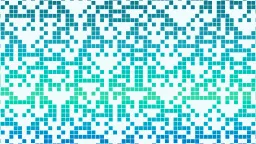
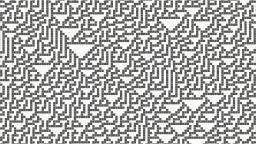
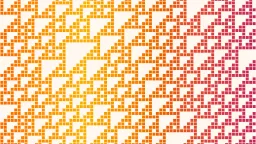
Each example opens in the studio with these settings.

Using it as a background
Rule 90 with a small gap and a soft palette gives a quiet grid of tiny triangles; Rule 30 with no gap and one colour is a dense texture that works behind large type.
Cell size follows the short side, so the same settings give the same cells on slides, phone wallpapers and vertical video; only the number of rows changes with the aspect ratio.