Golden Ratio
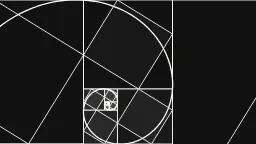
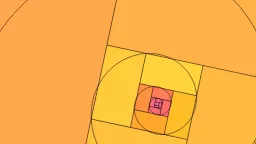
Squares cut from a golden rectangle, level by level, with the logarithmic spiral through their corners. Switch to the silver or bronze ratio, or any ratio of your own, to see proportion itself.
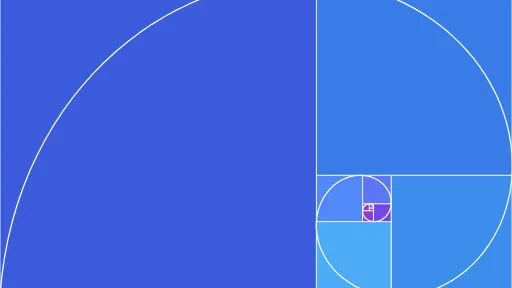
Cut a square from a golden rectangle and the piece left over is another golden rectangle, smaller and turned 90°. Repeat, and a quarter-circle spiral through the squares becomes the familiar golden spiral.
How the maths works
- Golden ratio
- φ = 1 + 1 / φ = (1 + √5) / 2 ≈ 1.618
- Metallic ratios (n = 1 gold, 2 silver, 3 bronze)
- rₙ = (n + √(n² + 4)) / 2
The golden ratio φ is the number with φ = 1 + 1/φ, which works out to (1 + √5)/2 ≈ 1.618. That equation is exactly the statement that removing one square leaves a rectangle of the same shape.
Each cut shrinks the rectangle by the factor 1/φ and turns it by 90°, so the corners of all the rectangles lie on a logarithmic spiral that grows by φ every quarter turn. The studio draws that true spiral, not quarter-circle arcs.
The golden ratio is the first of the metallic ratios (n + √(n² + 4))/2. The silver ratio 2.414 removes two squares at a time and the bronze ratio 3.303 removes three, leaving the same kind of self-similar rectangle each time.
Parameters
- Ratio
- Golden, silver or bronze ratio. Choosing one fills in its value; editing the value switches to Custom.
- Golden (1.618) · Silver (2.414) · Bronze (3.303) · Custom
- Ratio value
- The long-to-short ratio of the rectangle. Any value works: the cut-off strip is split into roughly square blocks.
- 1.1 to 4
- Levels
- How many times the rectangle is cut, that is, how many levels of squares are drawn.
- 3 to 16
- Spiral
- Draws the logarithmic spiral through the corners of the squares.
- On or off
- Spiral only
- Hides the squares and draws only the spiral, coloured along its length.
- On or off
- Nested squares
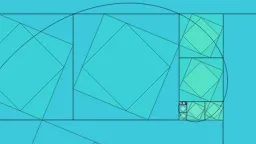
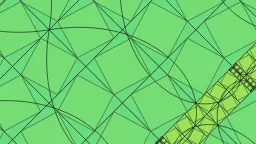
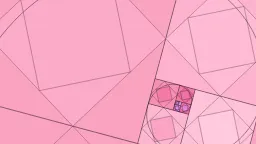
- Draws more squares inside each block, each one turned so its corners divide the sides in the same ratio.
- 1 to 4
- Rotation
- Turns the whole design by this angle.
- Angle, 0° to 360°
- Line width
- Line width, relative to the short side of the canvas.
- 0.001 to 0.02
- Fit
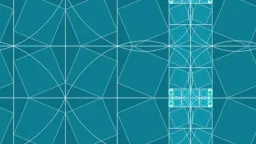
- Cover places one large spiral across the canvas and extends it outward to fill the edges; Contain shows the whole rectangle and repeats it, mirroring every other copy.
- Cover (one spiral) · Contain (repeat)
Examples
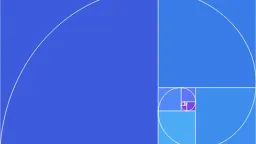
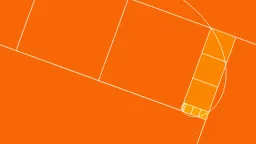
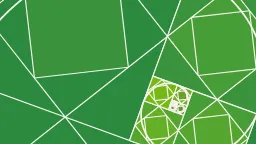
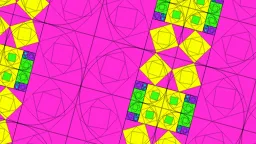
Each example opens in the studio with these settings.


Using it as a background
In Cover mode the eye of the spiral is a natural focal point: put the title or a product photo there.
On 9:16 phone wallpapers the rectangle turns to stand upright automatically; the silver and bronze ratios have long thin rectangles that suit vertical formats.