Tessellation
Regular and semi-regular tilings of triangles, squares, hexagons and octagons, repeating without gaps. The quietest set of backgrounds, made for content pages.
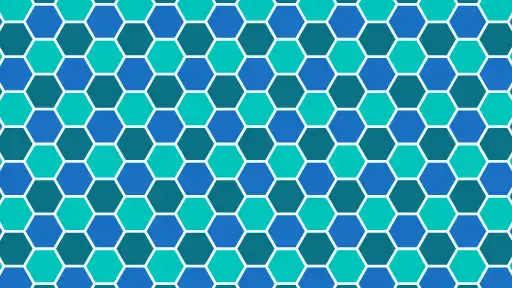
A tessellation covers the plane with shapes that leave no gaps and never overlap. Using only regular polygons gives the patterns of floor tiles and honeycombs, the quietest backgrounds in the studio.
How the maths works
- Vertex condition: interior angles sum
- Σ (1 − 2 / nⱼ) · 180° = 360°
- Triangles and hexagons take turns around a point
- 60° + 120° + 60° + 120° = 360°
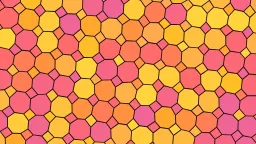
- One square and two octagons around a point
- 90° + 135° + 135° = 360°
Around every vertex the corner angles must add up to exactly 360°. A regular n-gon has corners of (1 − 2/n) × 180°, so only triangles (60°, six around a point), squares (90°, four) and hexagons (120°, three) can tile the plane alone.
Mixing shapes gives more patterns. In one, triangles and hexagons take turns around every point: triangle, hexagon, triangle, hexagon (60 + 120 + 60 + 120 = 360). In another, every point has one square and two octagons (90 + 135 + 135 = 360). Mathematicians name these by listing the number of sides around a point, so the first is called 3.6.3.6 and the second 4.8.8, the names you see in the Tiling setting.
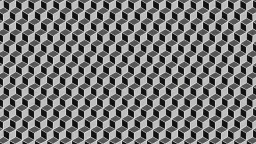
Every tiling has a mirror-image partner. Put a dot in the middle of each tile, then join the dots of tiles that touch. Do this to the triangle tiling and you get the hexagon tiling, and the other way round. The square tiling gives back squares. The triangles-and-hexagons tiling (3.6.3.6) gives a tiling of rhombi, the diamond shapes that read as stacked cubes.
Parameters
- Tiling
- Which tiling to use: the three single-shape tilings (triangles, squares or hexagons), triangles with hexagons (3.6.3.6), squares with octagons (4.8.8), or 60° rhombi that read as stacked cubes.
- Triangles · Squares · Hexagons · Trihexagonal (3.6.3.6) · Octagons & squares (4.8.8) · Rhombi (cubes)
- Side length
- Side length of the polygons, relative to the short side of the canvas.
- 0.02 to 0.3
- Gap
- Shrinks every tile inward so an even gap of background shows between tiles, like grout.
- 0 to 0.4
- Wobble
- Moves each vertex slightly. Shared corners move together, so the tiling never cracks; it just looks hand-drawn.
- 0 to 0.3
- Rotation
- Turns the whole tiling by this angle, in degrees.
- 0 to 90
- Overlay dual tiling
- Draws the dual tiling on top: lines from each tile's centre to the middle of its edges.
- On or off
- Colour by
- Neighbors differ uses the fewest colours so that no two touching tiles match, Random colours each tile independently, Distance from centre runs the palette outward, and Row alternates colours row by row.
- Neighbors differ · Random · Distance from centre · Row
- Outline width
- Width of an outline in the background colour around every tile. 0 draws no outline.
- 0 to 0.01
Examples
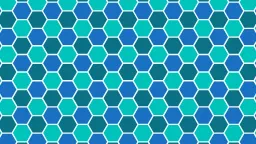
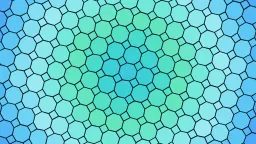
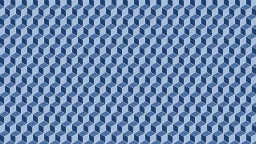
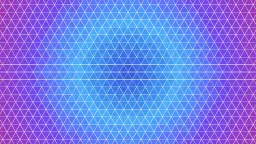
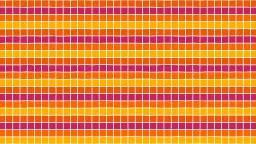
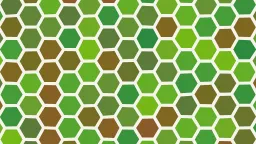
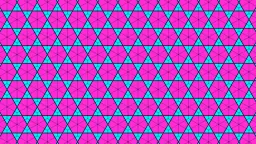
Each example opens in the studio with these settings.
Using it as a background
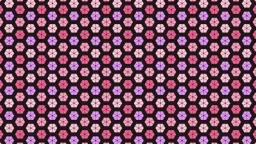
Hexagons or rhombi with a soft palette and a small gap make an unobtrusive page background; the rhombus tiling with three shades gives the classic 3D cube illusion.
Because the tiling is periodic, changing the aspect ratio only shows more or less of it, so the same design works for slides, phone wallpapers and vertical video.