Lissajous
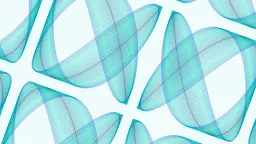
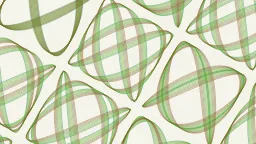
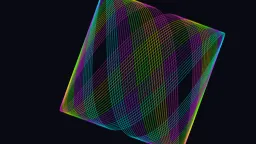
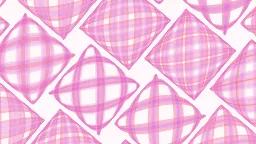
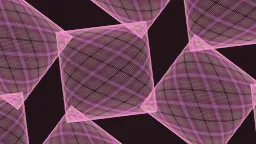
Closed curves traced by two sine motions, layered with small phase offsets.
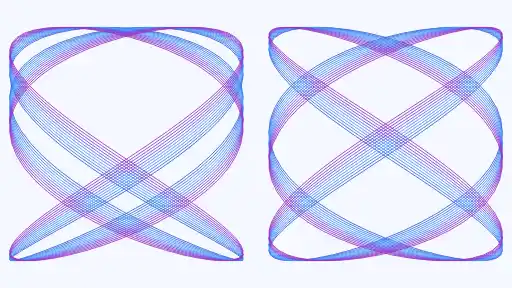
A Lissajous curve is what you get when one point moves in two sine motions at once — side to side at one frequency, up and down at another. It is the figure an oscilloscope draws when two signals are compared.
How the maths works
- Horizontal motion
- x(t) = r · sin(a · t + δ)
- Vertical motion
- y(t) = r · sin(b · t)
- One full turn of t
- 0 ≤ t < 2π
The ratio a : b decides the shape. With a = b the point traces an ellipse or a straight line; 1 : 2 gives a figure eight; 3 : 2 gives the familiar pretzel knot. Because a and b are whole numbers, the point is back where it started when t reaches 2π, so the curve always closes.
The phase δ moves the horizontal motion ahead of the vertical one. Changing it morphs the knot smoothly, like turning a wire figure in three dimensions.
The studio draws several copies with slightly different phases, spread evenly over the ribbon width. Close together they fuse into a shimmering ribbon; spread apart they separate into distinct strands.
Parameters
- X frequency (a)
- Horizontal frequency: how many times the point swings left and right in one loop.
- 1 to 12
- Y frequency (b)
- Vertical frequency: how many times it swings up and down. The ratio a : b sets the basic shape.
- 1 to 12
- Phase (δ)
- Phase offset δ between the two motions, in degrees.
- Angle, 0° to 360°
- Copies
- How many phase-shifted copies of the curve are layered, each in the next palette colour.
- 1 to 40
- Ribbon width
- Total phase difference from the first copy to the last, in degrees. Small values make a tight ribbon.
- 0 to 90
- Line width
- Line width, relative to the short side of the canvas.
- 0.0005 to 0.02
- Size
- Size of one figure. Smaller figures leave room for more repeats.
- 0.2 to 2
- Rotation
- Rotates each figure.
- Angle, 0° to 360°
- Layout
- How figures fill the canvas: Single places one in the centre, Repeat lays out a grid with a small phase change from cell to cell, Mirror flips every other cell.
- Single · Repeat · Mirror
- Horizontal offset
- Moves the centre of the pattern left or right, measured in short edges: with Single the figure leaves the middle; with Repeat or Mirror the whole grid slides and new cells fill in on the uncovered side.
- -1 to 1
- Vertical offset
- Moves the centre of the pattern up or down, measured in short edges. Positive values move it down.
- -1 to 1
- Layout rotation
- Turns the whole layout around its (offset) centre, like rotating the camera: with Repeat or Mirror the grid becomes diagonal and new cells fill the corners. Rotation, by contrast, spins each figure inside its own cell.
- Angle, 0° to 360°
- Blur
- Overall blur, relative to the canvas short side. 0 means no blur; larger values soften the lines into a glow.
- 0 to 0.04
Examples
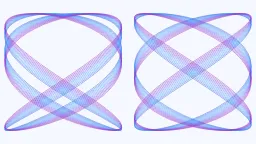
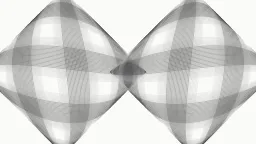
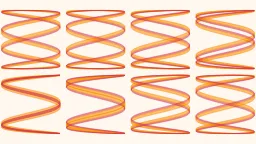
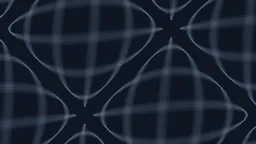
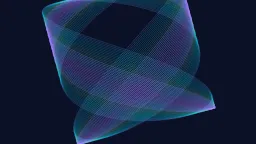
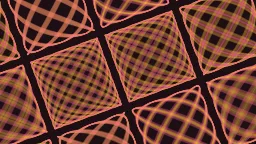
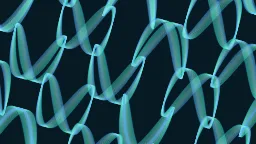
Each example opens in the studio with these settings.
Using it as a background
Small coprime pairs such as 3 : 2 or 5 : 4 give clean, readable knots. Large numbers turn into dense lace that works best as a quiet texture.
Single leaves wide empty space on 16:9 and 9:16 canvases — handy when you need room for a title beside the figure. Repeat and Mirror fill the frame instead.