Wave
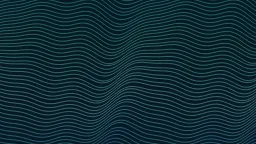
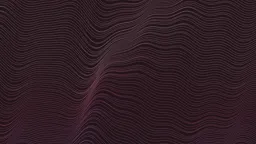
Stacked sine waves with harmonics, drawn as filled bands or fine lines.

Wave draws a stack of sine waves — the same curve you meet in trigonometry — and colours the space between them. It is the easiest pattern to read at a glance, which makes it a safe choice behind text.
How the maths works
- Line i: sum of harmonics
- y(x) = Σₖ aₖ · sin(2π · fₖ · x + φₖ + 2π · s · i)
- Height of the k-th harmonic
- aₖ ≈ 1 / k
- Frequency of the k-th harmonic
- fₖ ≈ k · f
Each line is a sum of a few sine waves, called harmonics. The first harmonic sets the basic rhythm with frequency f; harmonic k runs about k times as fast with roughly 1/k of the height, so it adds detail without taking over. This is the idea behind a Fourier series: complicated periodic shapes built from simple sines.
The starting phases φₖ come from the seed, so a new seed gives a new landscape with the same character. Line i is shifted by a further 2π·s·i, where s is the phase shift: at 0 every line is a parallel copy of the first, and larger values make neighboring lines drift apart and cross.
In band mode the space between line i and line i + 1 is filled with the next palette colour, so the gradient of your palette runs across the waves.
Parameters
- Lines
- How many wave lines, and so how many colour bands, are stacked across the canvas.
- 3 to 80
- Frequency
- The base frequency f: roughly how many full waves fit across the short side of the canvas.
- 0.2 to 6
- Amplitude
- How tall each wave is, relative to the canvas. Small values give calm, nearly flat bands.
- 0 to 0.5
- Harmonics
- How many sine terms are added together. 1 is a pure sine; more harmonics make the line rougher and more organic.
- 1 to 5
- Phase shift
- How far each line's phase moves from the one before, as a fraction of a full cycle.
- Ratio, 0 to 1
- Fill
- Bands fills the space between lines with colour; Lines draws only the curves.
- Bands · Lines
- Line width
- Width of the drawn lines, relative to the short side of the canvas.
- 0.001 to 0.02
- Direction
- Which way the waves travel. Auto runs them horizontally and adds lines on tall canvases so they stay filled; Vertical lets them flow along the long side.
- Auto · Horizontal · Vertical
- Blur
- Overall blur, relative to the canvas short side. 0 means no blur; larger values soften the lines into a glow.
- 0 to 0.04
Examples
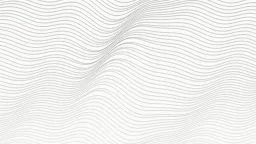
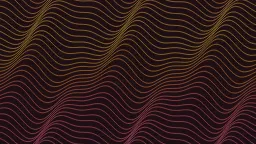
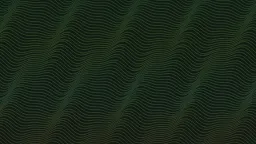
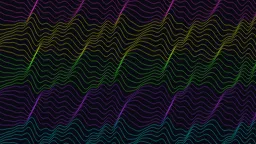
Each example opens in the studio with these settings.






Using it as a background
For slides with text, keep the amplitude low and pick a light palette: the waves read as texture rather than as the subject.
On 9:16 canvases (Shorts, Reels, stories) Auto adds lines as the canvas gets taller, so the bands keep the same thickness. Switch to Vertical if you want the waves to run down the screen.