Rose Curve
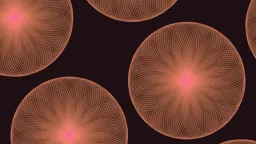
Polar roses r = cos(n/d·θ), layered with a slight twist between copies.
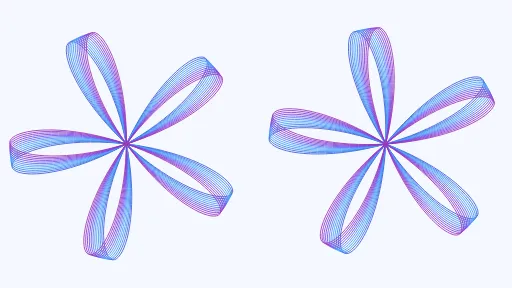
A rose curve, or rhodonea, is drawn in polar coordinates: as the angle θ turns, the distance from the centre follows a cosine. The result is a flower whose number of petals you can predict exactly.
How the maths works
- Polar equation
- r(θ) = cos(k · θ), k = n / d
- Convert to x, y
- x = r · cos θy = r · sin θ
Write k = n/d in lowest terms. If n and d are both odd, the rose has n petals and closes after the angle turns d·π; otherwise it has 2n petals and needs 2d·π. So r = cos 3θ has 3 petals, r = cos 2θ has 4, and fractions such as 5/4 give overlapping petals that look like lace.
Negative values of cos kθ are not thrown away: they are plotted on the opposite side of the centre. That is why an even n doubles the petal count.
The studio stacks copies of the same rose, each turned a little further than the last and shrunk by a random amount up to the radius jitter, so the flower gains depth like a spirograph drawing.
Parameters
- Numerator (n)
- Numerator of k = n/d. With d = 1 it is the petal count, doubled when n is even.
- 1 to 12
- Denominator (d)
- Denominator of k. Values above 1 make petals overlap and the curve take several turns to close.
- 1 to 12
- Size
- Size of one rose. Smaller roses leave room for more repeats.
- 0.2 to 2
- Copies
- How many twisted copies are layered, each in the next palette colour.
- 1 to 40
- Twist
- Total rotation from the first copy to the last, in degrees.
- 0 to 90
- Radius jitter
- How much smaller each copy may randomly be, as a fraction of the full radius. 0 keeps every copy the same size.
- 0 to 0.5
- Line width
- Line width, relative to the short side of the canvas.
- 0.0005 to 0.02
- Rotation
- Rotates each rose.
- Angle, 0° to 360°
- Layout
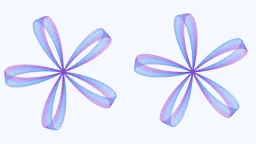
- How roses fill the canvas: Single places one in the centre, Repeat lays out a grid, Mirror flips every other cell.
- Single · Repeat · Mirror
- Horizontal offset
- Moves the centre of the pattern left or right, measured in short edges: with Single the figure leaves the middle; with Repeat or Mirror the whole grid slides and new cells fill in on the uncovered side.
- -1 to 1
- Vertical offset
- Moves the centre of the pattern up or down, measured in short edges. Positive values move it down.
- -1 to 1
- Layout rotation
- Turns the whole layout around its (offset) centre, like rotating the camera: with Repeat or Mirror the grid becomes diagonal and new cells fill the corners. Rotation, by contrast, spins each figure inside its own cell.
- Angle, 0° to 360°
- Blur
- Overall blur, relative to the canvas short side. 0 means no blur; larger values soften the lines into a glow.
- 0 to 0.04
Examples
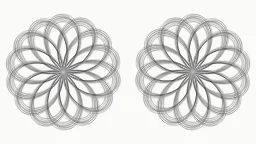
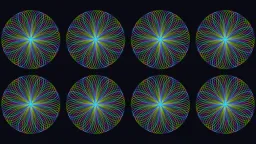
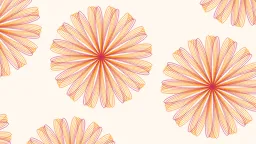
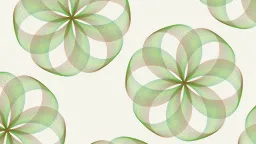
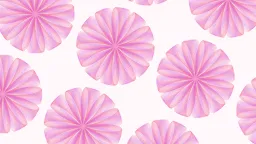
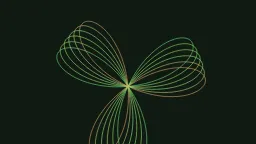
Each example opens in the studio with these settings.




Using it as a background
For a clean, emblem-like flower use d = 1, a handful of copies and a small twist. For texture, try d between 3 and 7.
Mirror makes neighboring roses reflect each other, which reads as a deliberate pattern on wide slides.