Times Table Circle
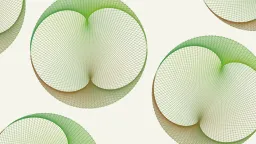
Points spaced evenly around a circle, each joined to the point at its multiple. Sweep the multiplier and cardioids, nephroids and flowers appear.
Open Times Table Circle in Studio
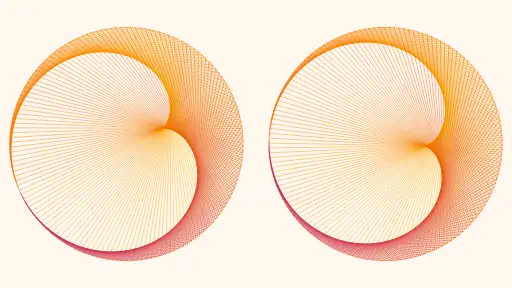
Place n evenly spaced points on a circle and connect point i to point i × k, counting around the circle. Simple multiplication and remainders draw a cardioid for k = 2, a nephroid for k = 3 and ever more petals beyond.
How the maths works
- Rule: point i connects to
- i → (i · k) mod n, i = 0, 1, …, n − 1
- Angle of point i
- θᵢ = 2π · i / n
The rule is multiplication modulo n: when i × k passes n, keep only the remainder, just as a clock wraps around after 12. That is why the chords always land back on the circle.
The chords never draw a curve on their own; the curve is their envelope, the boundary they all touch. For multiplier k the envelope is an epicycloid with k − 1 cusps: one for the cardioid, two for the nephroid, and so on.
The multiplier can also be a decimal. Then the chord ends land between the points, and sliding k from 2 to 3 morphs the cardioid smoothly into the nephroid.
Parameters
- Points (modulus)
- How many points divide the circle, the modulus n. More points make denser, smoother curves.
- 10 to 720
- Multiplier
- The multiplier k. Whole numbers give the classic figures; decimals give the shapes in between.
- 1 to 100
- Rings
- How many concentric circles to draw, each inside the previous one.
- 1 to 6
- Step per ring
- How much the multiplier grows from one ring to the next inner ring.
- 0 to 10
- Chord curve
- 0 draws straight chords; toward 1 each chord bends until it hugs the arc of the circle.
- 0 to 1
- Line width
- Line width, relative to the short side of the canvas.
- 0.0005 to 0.01
- Colour by
- Point number colours chords by their starting point, Chord length by how long they are, and Chord direction by the angle they point in.
- Point number · Chord length · Chord direction
- Size
- Size of one circle. Smaller circles leave room for more repeats.
- 0.2 to 2
- Layout
- How circles fill the canvas: Single places one in the centre, Repeat lays out a grid with each circle turned a little, Mirror flips every other cell.
- Single · Repeat · Mirror
- Horizontal offset
- Moves the centre of the pattern left or right, measured in short edges: with Single the figure leaves the middle; with Repeat or Mirror the whole grid slides and new cells fill in on the uncovered side.
- -1 to 1
- Vertical offset
- Moves the centre of the pattern up or down, measured in short edges. Positive values move it down.
- -1 to 1
- Layout rotation
- Turns the whole layout around its (offset) centre, like rotating the camera: with Repeat or Mirror the grid becomes diagonal and new cells fill the corners. Rotation, by contrast, spins each figure inside its own cell.
- Angle, 0° to 360°
Examples
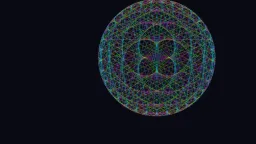
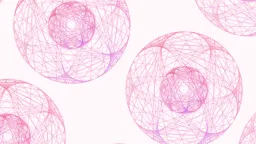
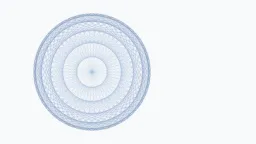
Each example opens in the studio with these settings.
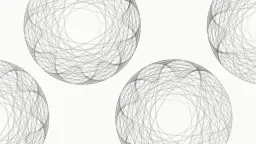
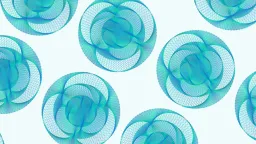
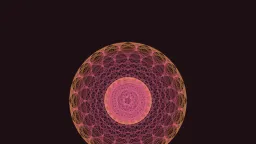
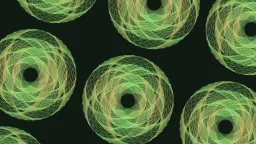

Using it as a background
Thin lines on a dark background look like string art; colouring by chord length makes the envelope glow.
Try larger whole multipliers like 10 or 21 with 200 or more points: they give many-petaled flowers that make striking cover images.